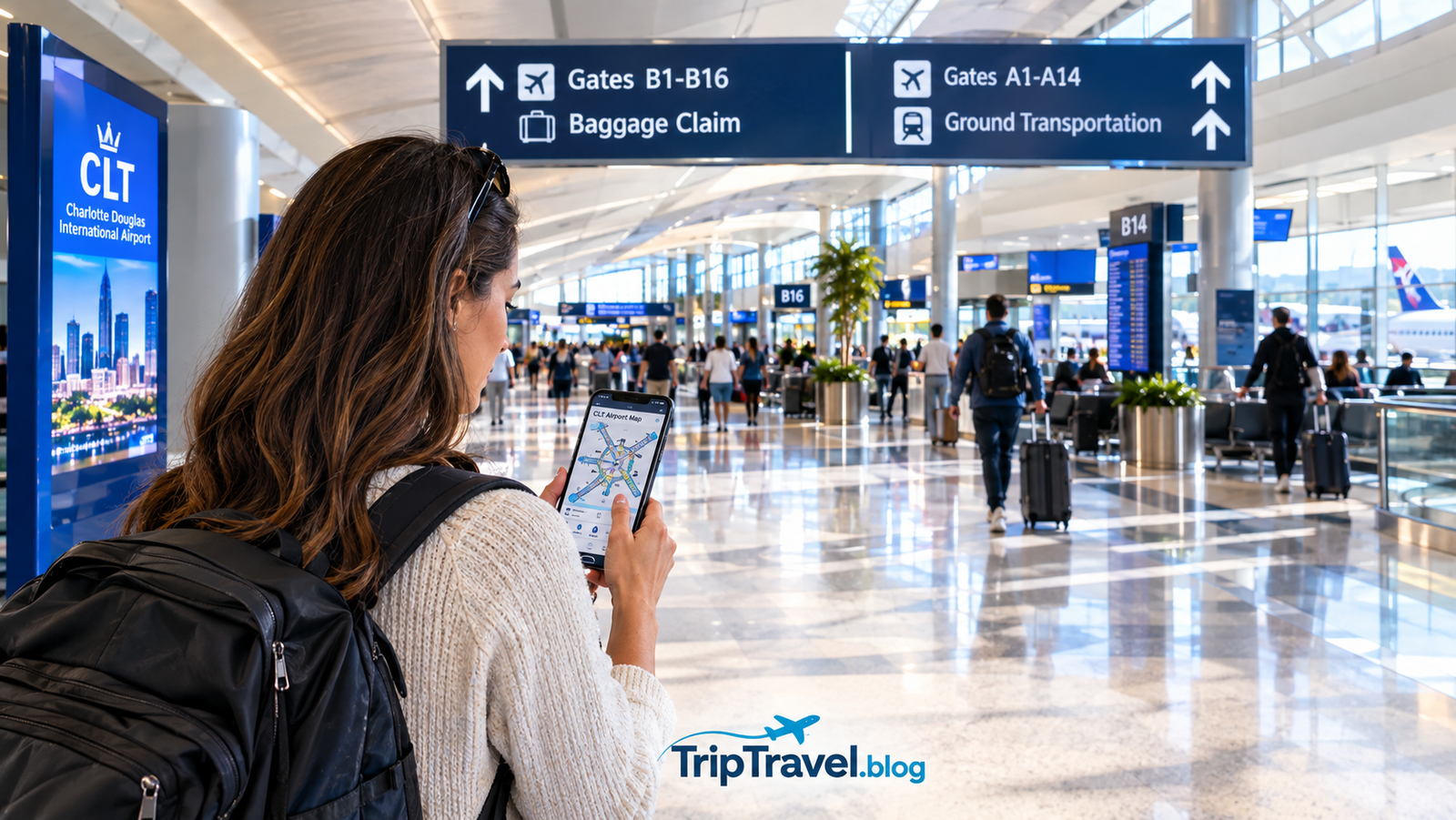
Traveling through Charlotte Douglas International Airport can feel confusing if you are visiting for the first time. The airport is large, busy, and handles travelers from across the United States and around the world. Fortunately, understanding the Charlotte airport map before your trip can make the experience much easier. Charlotte Douglas International Airport uses the […]
Traveling through Charlotte Douglas International Airport can feel confusing if you are visiting for the first time. The airport is large, busy, and handles travelers from across the United States and around the world. Fortunately, understanding the Charlotte airport map before your trip can make the experience much easier.
Charlotte Douglas International Airport uses the airport code CLT and serves as a major gateway to Charlotte, North Carolina. The terminal includes five main concourses known as A, B, C, D, and E. These concourses are connected, so travelers can walk between them without using an airport train.
The Charlotte airport map is especially useful when you need to locate your gate, understand a flight connection, find baggage claim, choose parking, meet someone arriving at the airport, or locate restaurants and other services.
This guide explains the airport layout in simple terms and provides practical tips for first time travelers, families, connecting passengers, and anyone who wants a smoother experience at CLT.
Understanding the Charlotte Airport Map
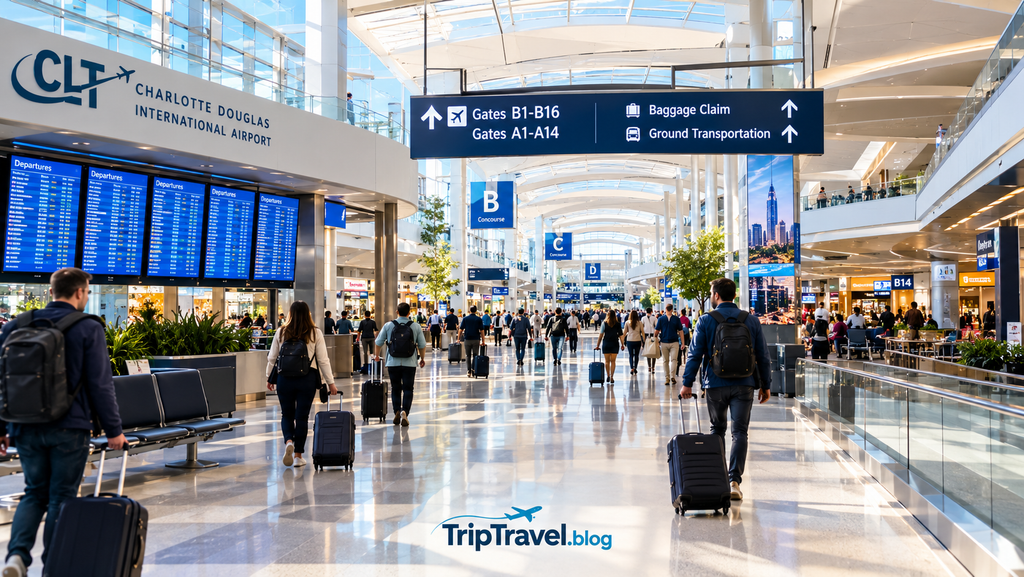
The easiest way to understand the Charlotte airport map is to think of CLT as one main terminal connected to five concourses.
The five concourses are A, B, C, D, and E. Each concourse contains multiple gates, and travelers can walk between the connected areas.
The central terminal contains important passenger services such as ticket counters, security checkpoints, baggage claim, restaurants, shops, and transportation connections.
The official airport website provides an interactive map as well as a printable map. The interactive version can help travelers find specific services and understand walking routes inside the airport.
When checking the Charlotte airport map, look for three important pieces of information.
First, identify your airline. Second, check your concourse. Third, confirm your exact gate.
Gate assignments can change, so travelers should always check the latest flight information after arriving at the airport.
Charlotte Airport Concourses Explained
CLT has five main passenger concourses. Each has its own collection of gates and passenger facilities.
Concourse A is located on one side of the terminal and has experienced major expansion in recent years. Concourse B and Concourse C are also connected to the central terminal and serve many domestic flights.
Concourse D is another major passenger area, while Concourse E extends farther from the central terminal and serves many regional flights.
The Charlotte airport map helps you understand the relationship between these areas before you begin walking.
One important thing to remember is that you do not need to take a train between these concourses. CLT has a connected terminal design that allows passengers to walk between the different gate areas.
That makes the airport easier to understand once you know the basic layout.
Concourse A and What Travelers Should Know
Concourse A is one of the newer expanded areas at CLT. The airport completed a major expansion that added additional gates and passenger facilities.
The area includes seating, restaurants, charging opportunities, restrooms, and other services.
When using the Charlotte airport map, passengers should check whether their gate is located near the beginning or farther along the concourse. A gate located toward the end can require additional walking time.
This is particularly important for travelers with short connections.
If you arrive at CLT and discover that your next flight leaves from Concourse A, check the airport signs and monitors before beginning your walk.
The airport app can also help travelers with indoor navigation and updated flight information.
Concourse B and Concourse C
Concourse B and Concourse C are connected directly to the central terminal.
Travelers who see a B or C gate on their boarding pass should follow the signs after security. The walking route is straightforward, although the total distance depends on the exact gate.
The Charlotte airport map can help passengers estimate where they need to go before leaving the security area.
Both concourses offer passenger services, seating, food options, restrooms, and other airport amenities.
If you have a connection, avoid waiting too long before checking your next gate. Flight information can change, and the airport monitors provide the latest information.
Moving walkways are available in parts of the terminal and can make longer walks easier.
Concourse D and Concourse E
Concourse D is another important section of the airport and is connected to the central terminal.
Concourse E is farther from the central terminal and has historically handled a large number of regional flights.
The Charlotte airport map becomes particularly useful when traveling to Concourse E because passengers may need more walking time.
If your boarding pass shows an E gate, check the route before leaving your arrival gate.
Do not assume that every connection at CLT will take only a few minutes. The concourses are connected, but the airport is large and walking distances can be significant.
Travelers should also remember that gate information may change. Always check the latest airport display and airline information.
How to Use the Map for Flight Connections
One of the best reasons to review the Charlotte airport map before your journey is to understand your connection.
For example, imagine that your first flight arrives at Concourse B and your connecting flight departs from Concourse E.
You do not need to find an airport train. Instead, follow the signs toward the next concourse and walk through the connected terminal.
The Charlotte airport map can show you the general direction before you begin walking.
A good connection strategy is simple.
• Check your next gate as soon as possible
• Follow signs for the correct concourse
• Use moving walkways when available
• Keep your boarding information accessible
• Allow additional time if traveling with children
• Check airport monitors for gate changes
The Charlotte airport map is especially useful when your connection involves a different concourse.
Security Checkpoints at CLT
Security is one of the most important parts of airport navigation.
CLT states that passengers can access all concourses and aircraft gates from any security checkpoint. This gives travelers flexibility when choosing where to enter the secure area.
The Charlotte airport map can help you understand the security area and the locations of other passenger services.
Security wait times can vary depending on the time of day, season, holidays, and passenger volume.
Travelers should arrive with enough time for airline check in, baggage drop, security screening, and the walk to the gate.
If you are traveling during a busy period, give yourself additional time rather than assuming the airport will be quiet.
Baggage Claim and Arrivals
Passengers arriving at CLT should follow airport signs toward baggage claim.
The Charlotte airport map can also help people meeting arriving travelers understand where the baggage claim area is located.
If a friend or family member is picking you up, communicate your arrival information before leaving the aircraft.
After collecting your luggage, contact your driver and confirm the pickup location.
CLT provides designated areas for passenger pickup, and drivers should not leave vehicles unattended at the curb.
The airport also provides a Cell Phone Lot where drivers can wait before proceeding to the terminal.
Knowing this information before arriving can make airport pickup much easier.
Parking at Charlotte Douglas International Airport
Parking is another area where the Charlotte airport map can help.
CLT offers several parking facilities for travelers and visitors. Different parking areas may be better depending on how long you plan to leave your vehicle.
The Hourly Deck is located close to the terminal and connects with the terminal through pedestrian routes.
For longer trips, travelers should compare available airport parking options before leaving home.
Parking availability and pricing can change, so always check the official airport website for current information.
When planning your route, use the Charlotte airport map together with current parking information so you know where to enter and how to reach the terminal.
If someone is dropping you off, the departure level is generally the appropriate area. Passengers being picked up typically use the arrivals level.
Ground Transportation at CLT
After collecting your luggage, you may need transportation to your hotel, home, rental vehicle, or another destination.
CLT provides several transportation options.
These include taxis, public transportation, rental car services, parking shuttles, and other ground transportation services.
Airport parking shuttles connect passengers with parking facilities and operate throughout the day.
The Charlotte airport map can help travelers understand where transportation areas are located after leaving baggage claim.
If you are renting a vehicle, follow the airport signs for the rental car area rather than walking around the terminal looking for a rental counter.
Travelers using public transportation should check current schedules before leaving the airport because service information can change.
Food, Shopping, WiFi, and Charging
CLT offers many services for passengers who have time before their flights.
Restaurants and food options are available throughout the terminal and concourses. Travelers can also find shops, restrooms, seating areas, charging locations, and other amenities.
Free WiFi is available throughout the airport.
Charging stations are available in different areas, although travelers should still bring their own charging cable.
The Charlotte airport map can help you locate food, restrooms, charging facilities, and other services without walking around the airport unnecessarily.
If you have a long connection, check the map before choosing where to spend your time.
For example, it may be better to find a restaurant closer to your departure gate rather than eating in another concourse and then rushing back.
Tips for Families and First Time Travelers
Families should give themselves additional time at CLT.
Children may need more time to walk between gates, use restrooms, eat, or manage luggage.
Parents can review the Charlotte airport map before leaving home and explain the basic layout to older children.
First time travelers should also avoid waiting until the last minute to locate their gate.
After passing through security, check the airport monitors and confirm your gate.
If the gate is far away, start walking early.
Travelers who need accessibility assistance should contact their airline before the journey. CLT provides accessibility services and accessible transportation options.
The airport also provides elevators, escalators, and moving walkways in different areas.
How to Avoid Getting Lost at CLT
Large airports can feel overwhelming, but a few simple habits make navigation easier.
Start by remembering your gate number and concourse letter.
Then follow the airport signs.
Do not rely only on memory. Check the airport monitors because gates can change.
The Charlotte airport map can also be used before and during your trip to understand where you are and where you need to go.
Another useful option is the official CLT airport app. The app provides flight information, indoor navigation, security information, parking information, and other airport services.
Free airport WiFi makes it easier to access online information when needed.
If you become confused, ask an airport employee for help rather than walking in the wrong direction.
Common Mistakes to Avoid
One common mistake is assuming that the gate printed on an earlier boarding pass will always remain the same.
Gate assignments can change.
Another mistake is underestimating walking time.
Even though all the concourses are connected, CLT is a large airport.
Some travelers also confuse the arrivals and departures levels when meeting family members.
Before traveling, review the Charlotte airport map and agree on a clear meeting location.
Do not ask a driver to wait unattended at the curb.
Another mistake is relying on an old airport map saved on a phone.
Airport facilities can change, so use the official airport map and current airport information whenever possible.
Best Way to Prepare Before Your Flight
Preparation is the easiest way to make your CLT experience less stressful.
Before leaving home, check your flight status and confirm your departure gate.
Then review the Charlotte airport map and identify your concourse.
If you are driving, check current parking information.
If you are being dropped off, tell your driver which level you need.
If someone is picking you up, agree on a meeting point before your flight arrives.
For connections, check both your arrival and departure concourses.
The Charlotte airport map can help you understand the route before you arrive.
Downloading the official airport app can also be useful because it provides navigation and current airport information.
Is Charlotte Airport Easy to Navigate?
CLT can be relatively easy to navigate once travelers understand its layout.
The airport’s biggest advantage is that its major concourses are connected under one roof.
Passengers do not need to take a train between Concourse A, B, C, D, and E.
The Charlotte airport map makes the layout easier to understand, especially for first time visitors.
The main challenge is walking distance.
Travelers should not assume that every gate is close to the central terminal.
If you have a short connection, move toward your next gate as soon as practical.
For most travelers, checking the map before the trip, following airport signs, monitoring gate information, and allowing enough walking time will make the airport experience much easier.
Final Thoughts
The Charlotte airport map is an important planning tool for travelers using Charlotte Douglas International Airport.
CLT has five major concourses, including A, B, C, D, and E, all connected to the main terminal.
Passengers can walk between the concourses without using a train, which makes connections simpler than at some other large airports.
The most important thing is to prepare before arriving.
Check your airline information, identify your gate, review the map, understand your parking or pickup plan, and allow enough time for security and walking.
The Charlotte airport map is not only useful when you are lost. It can help you plan your entire airport experience before you leave home.
For the latest airport information, travelers should always check the official Charlotte Douglas International Airport website because gates, services, transportation information, and other airport details can change.
Table of Contents
FAQs
Where can I find the official Charlotte airport map?
The official CLT website provides an interactive airport map and a printable map. Travelers can use the map to locate gates, services, facilities, and routes throughout the terminal.
How many concourses does CLT have?
Charlotte Douglas International Airport has five main concourses called A, B, C, D, and E.
Do I need a train to move between CLT concourses?
No. The major concourses are connected, allowing passengers to walk between them.
Can I use any security checkpoint at Charlotte airport?
CLT states that passengers can access all concourses and aircraft gates from any security checkpoint. Travelers should still follow current airport signs and staff instructions.
How early should I arrive at Charlotte airport?
Your ideal arrival time depends on your airline, baggage, security conditions, travel date, and parking situation. Busy travel periods may require additional time.
Where can I pick someone up at CLT?
Passenger pickup is generally handled on the arrivals level. Drivers should use designated waiting areas and should not leave vehicles unattended at the curb.
Does CLT have free WiFi?
Yes. Free WiFi is available throughout the airport.
Does Charlotte airport have charging stations?
Yes. Charging facilities are available in different passenger areas. Travelers should still carry the appropriate charging cable.
Is CLT easy for first time travelers?
Yes, once you understand the basic terminal layout. The connected concourses make navigation easier, although travelers should allow enough time for walking.
Does Charlotte airport have an official app?
Yes. The official CLT app provides flight information, navigation, parking information, and other airport services.
Internal Linking Opportunities
Charlotte travel guide can link to a broader destination guide about Charlotte.
Charlotte airport parking can link to a dedicated parking article.
Things to do in Charlotte can link to a destination attractions guide.
Travel itinerary template can link to a planning resource for travelers preparing their trip.
Airport parking tips can link to a broader airport transportation resource.